Ping Pong
A downloadable pong-game
Pong Game Made from Scratch with raylib & C++
This is a classic Pong game I created for learning purposes while exploring game development without using an engine like Unity, Unreal, or Godot.
Although I already have experience with Unity, I wanted to better understand how games are built directly in code. I first tried learning Graphics APIs, but they felt too abstract for me as a starting point. So I decided to begin with raylib, and it turned out to be a great way to learn the fundamentals of game programming.
This project is one of my first steps into engine-free game development, built entirely with raylib and C++ in a simple C-like style.
As an extra challenge, I also implemented my own circle-vs-rectangle collision method after researching 2D collision detection techniques.
Features
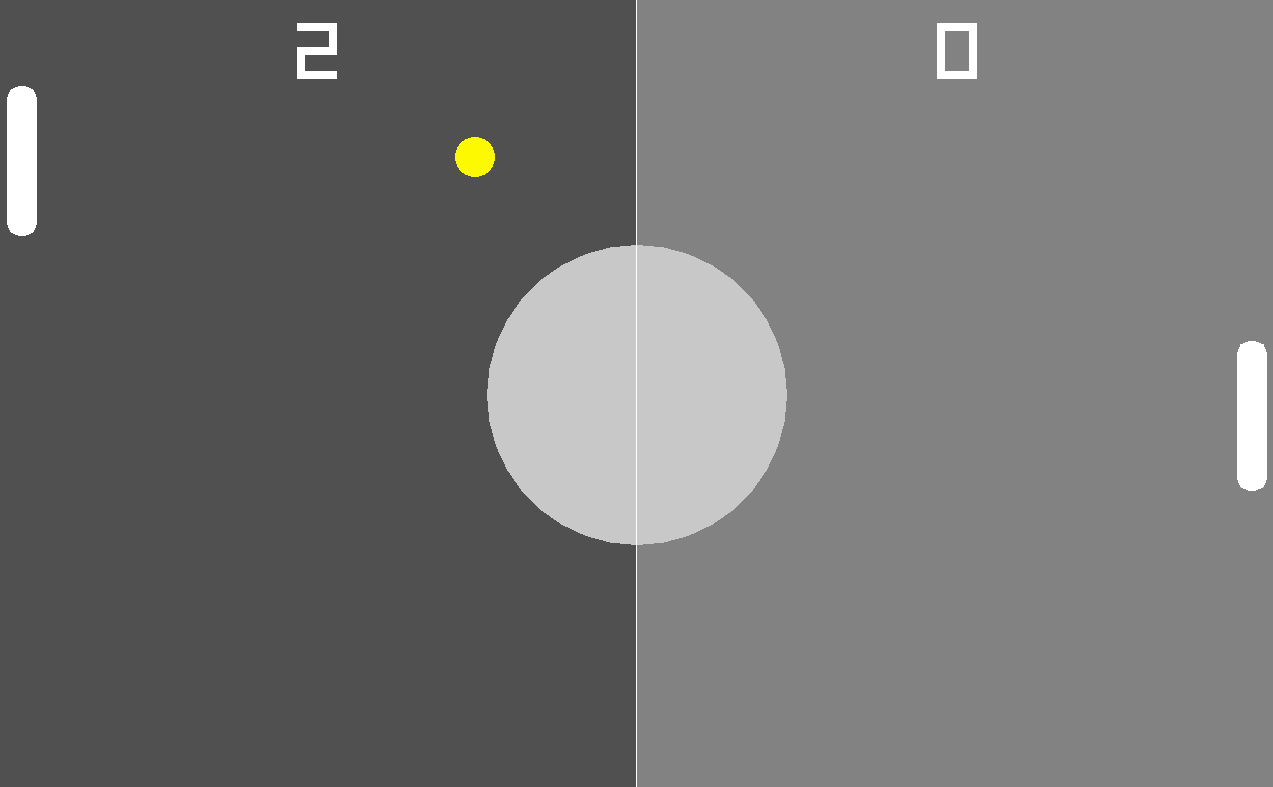
- Classic Pong gameplay
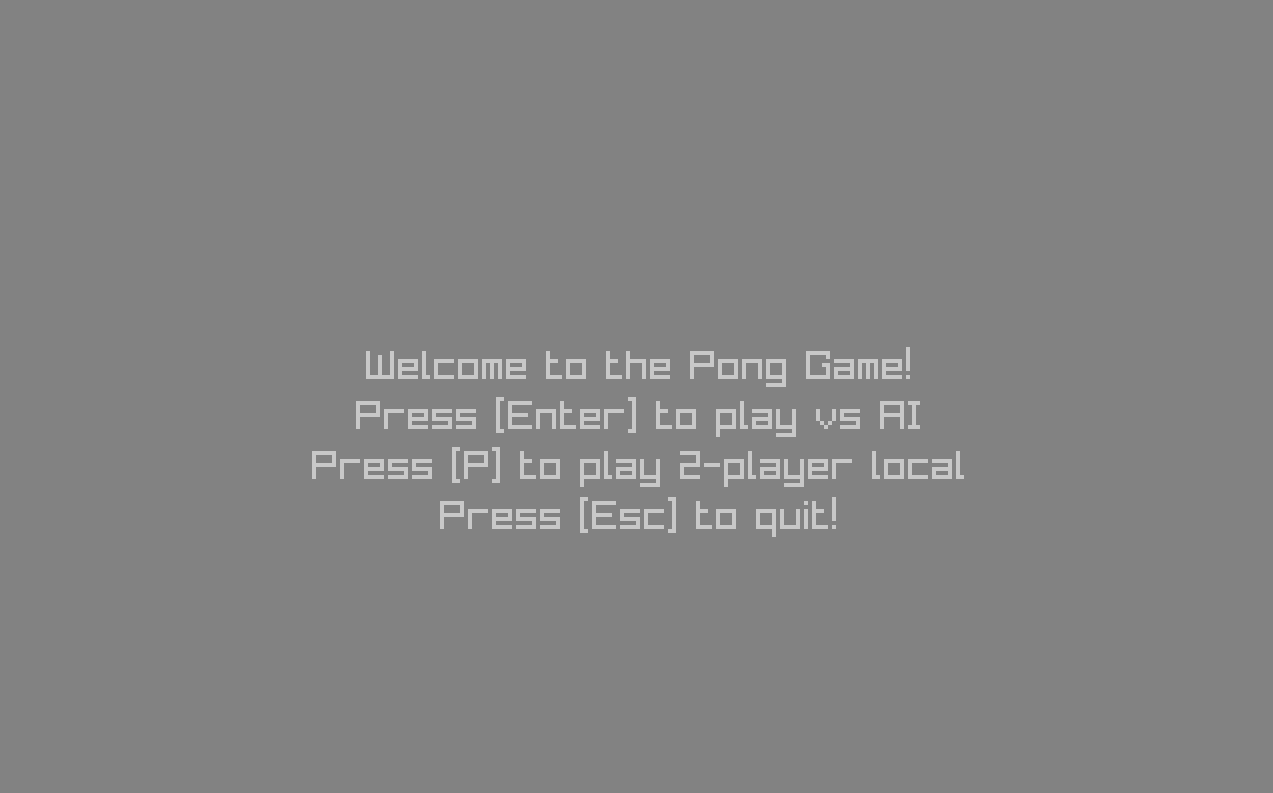
- Play against AI or in local 2-player mode
- Ball speed increases after every hit
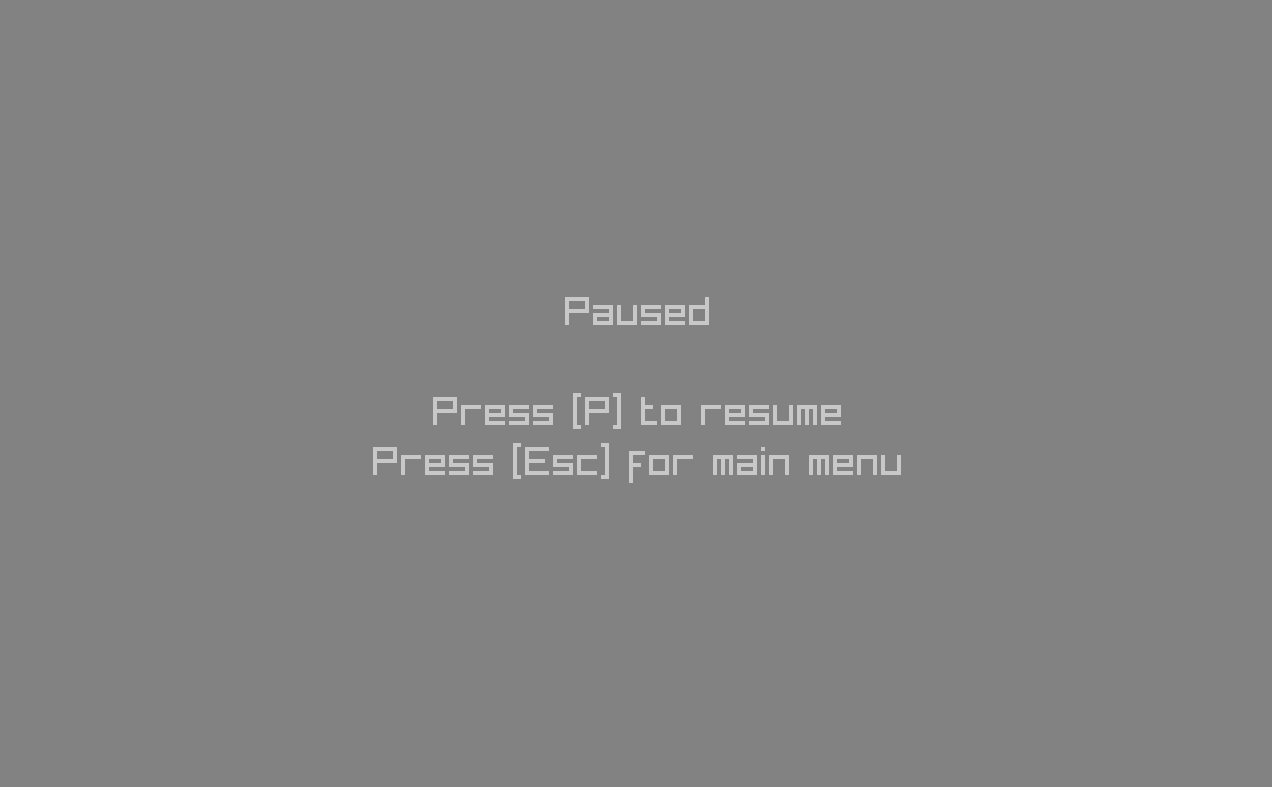
- Simple menu and pause screen
Built With
- raylib
- C++ written in a C-like style
- Simple build.bat workflow inspired by Handmade Hero
Collision Detection References
These are some of the resources I checked while creating my own collision method:
- MDN: 2D Collision Detection
- Tim Allan Wheeler: 2D Collision Detection and Resolution
- Circle Vs Rectangle Collisions (and TransformedView PGEX) from OneLoneCoder (javidx9)
Source Code
The full source code is available on GitHub. Feel free to check it out, learn from it as a beginner raylib project, or improve it yourself.
GitHub: https://github.com/Bskasan/pong-game-raylib
Controls
Menu
- Enter = Play vs AI
- P = 2-Player
- Esc = Quit
In Game
- Up / Down = Right paddle
- W / S = Left paddle
- Space = Pause
Pause Menu
- P = Resume
- Esc = Main Menu
Download
Install instructions
Download executable file, and run it!